
Vídeos Novos - Leitura de Tarot
-
- 0 comentários
- 16 visualizações
-
- 0 comentários
- 20 visualizações
-
- 0 comentários
- 23 visualizações
-
- 0 comentários
- 28 visualizações
-
- 0 comentários
- 31 visualizações
.png.213a047f9062c49804fb2d9e0d2f5976.png)
.jpeg.74abd1f892cd5ede89dd64c88c6480d4.jpeg)
Oráculo Diário
-
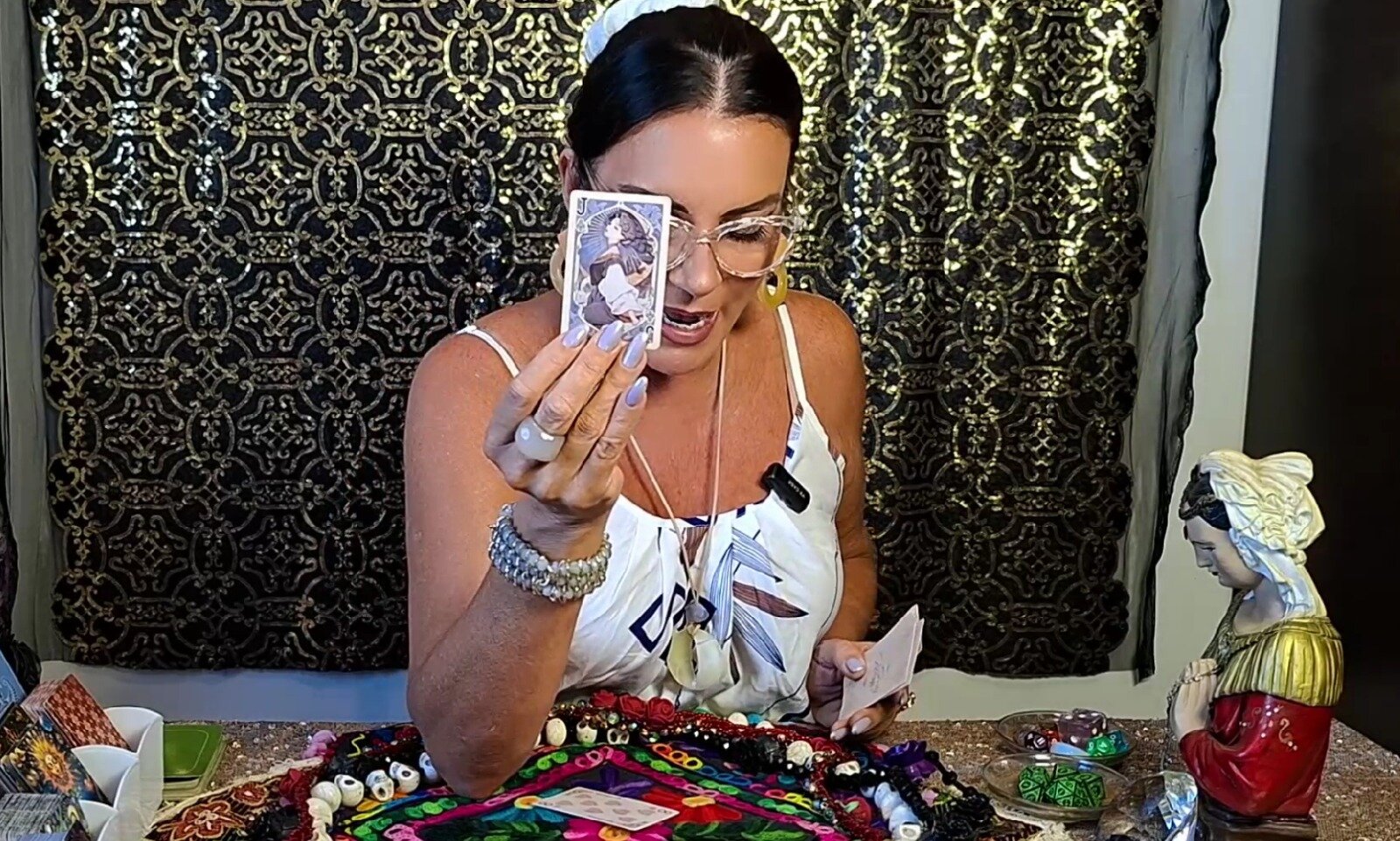
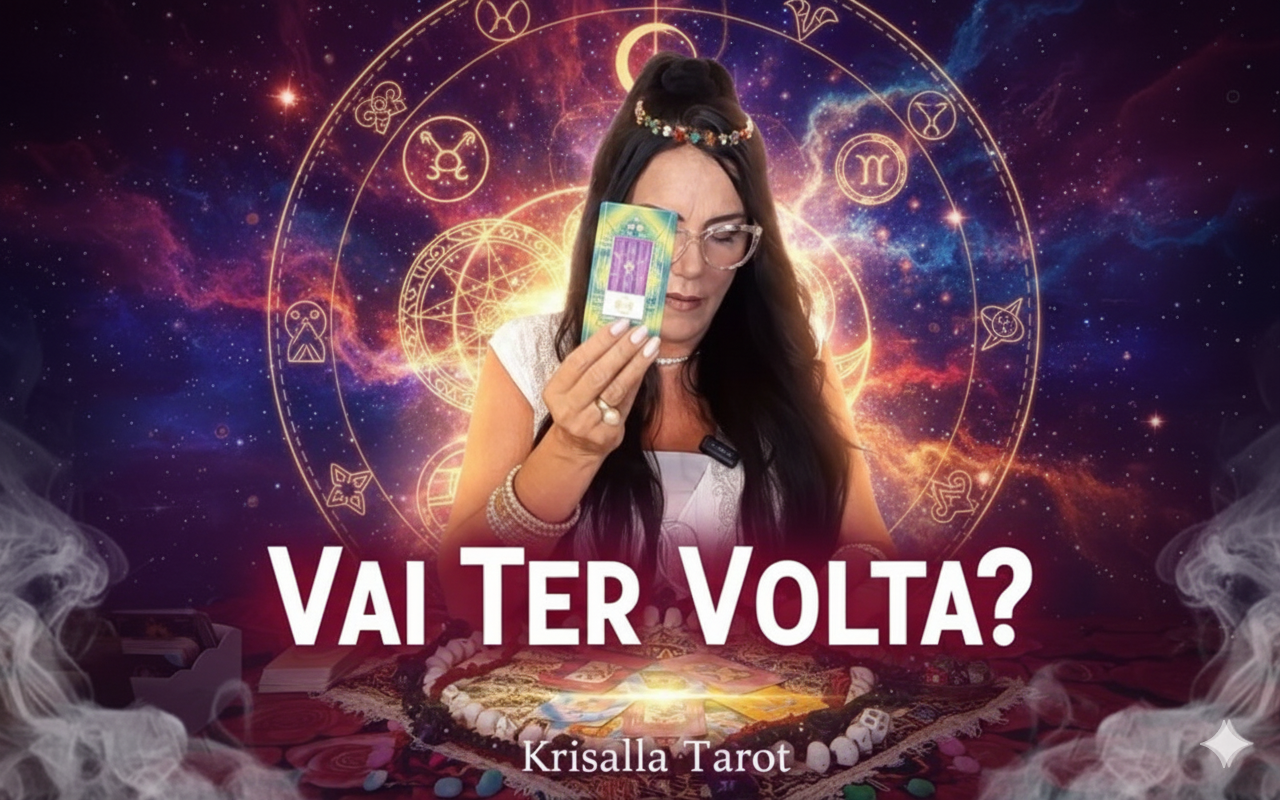
🌹✨ Você quer saber se essa história tem volta? Se a pessoa que você ama ainda pensa em você… Se existe reconciliação… Ou se você está se enganando ao manter essa esperança? ✨👇🏻 ASSISTA AO VÍDEO COMPLETO NO FINAL DA LEITURA 👇🏻✨ Nesta segunda parte da leitura, Krisalla Tarot aprofunda o movimento energético entre você e a pessoa amada — e revela se essa volta realmente acontece, quais condições precisam ser respeitadas e qual é o papel emocional de cada um neste retorno. 🔮Nesta tiragem, o Orácul
-
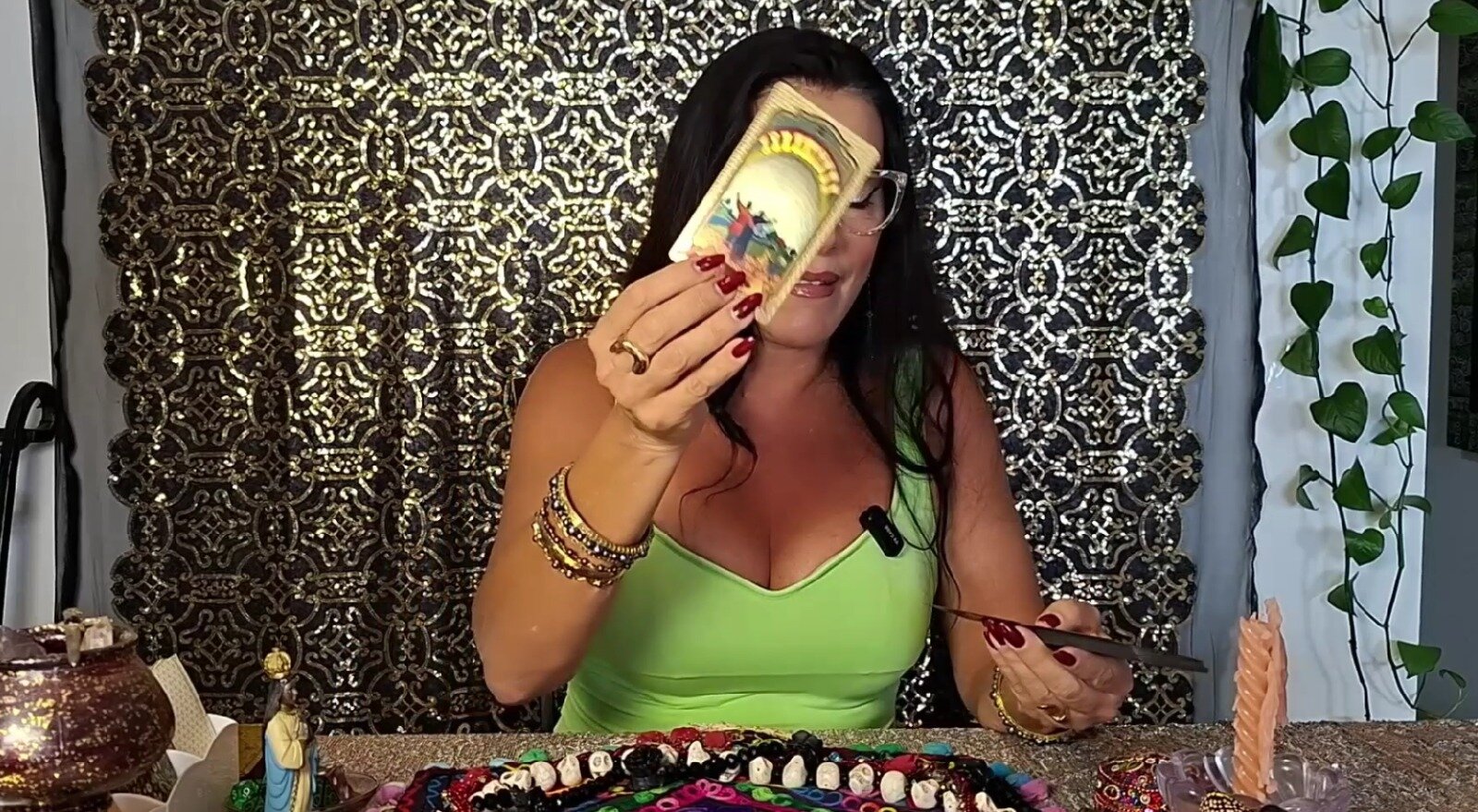
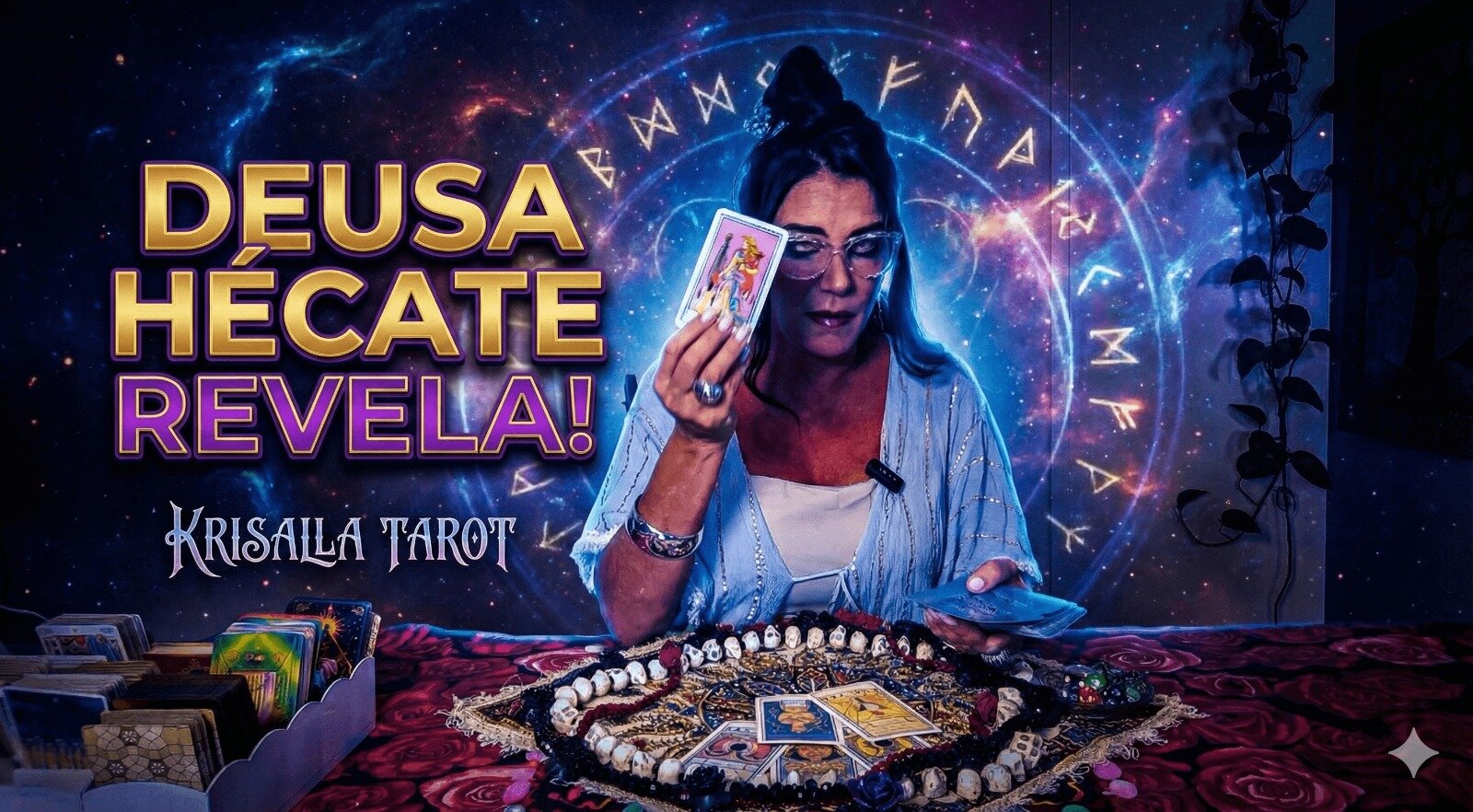
🌙✨Hécate, a Senhora das Encruzilhadas, chega para mostrar que um ciclo antigo precisa ser encerrado — e que você está diante de um momento decisivo da sua jornada. Se você sente estagnação, repetição, sensação de inércia ou de estar preso(a) no mesmo padrão, esta leitura foi feita especialmente para você. ✨👇🏻 ASSISTA AO VÍDEO COMPLETO NO FINAL DA LEITURA 👇🏻✨ 🔮 Nesta tiragem, o Oráculo revela • o ciclo que precisa ser encerrado com urgência • o motivo da sua estagnação emocional e energética • o
-
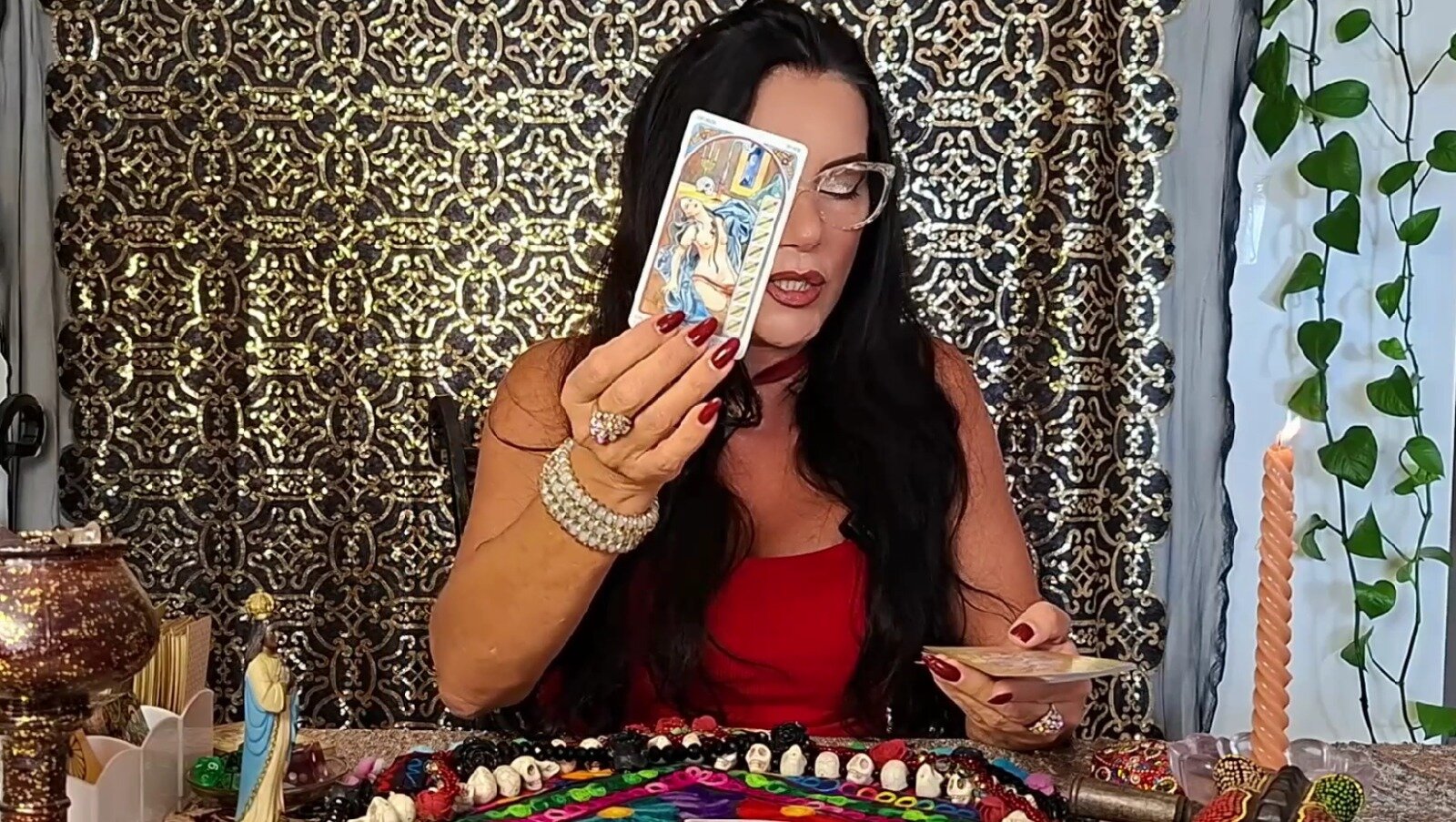
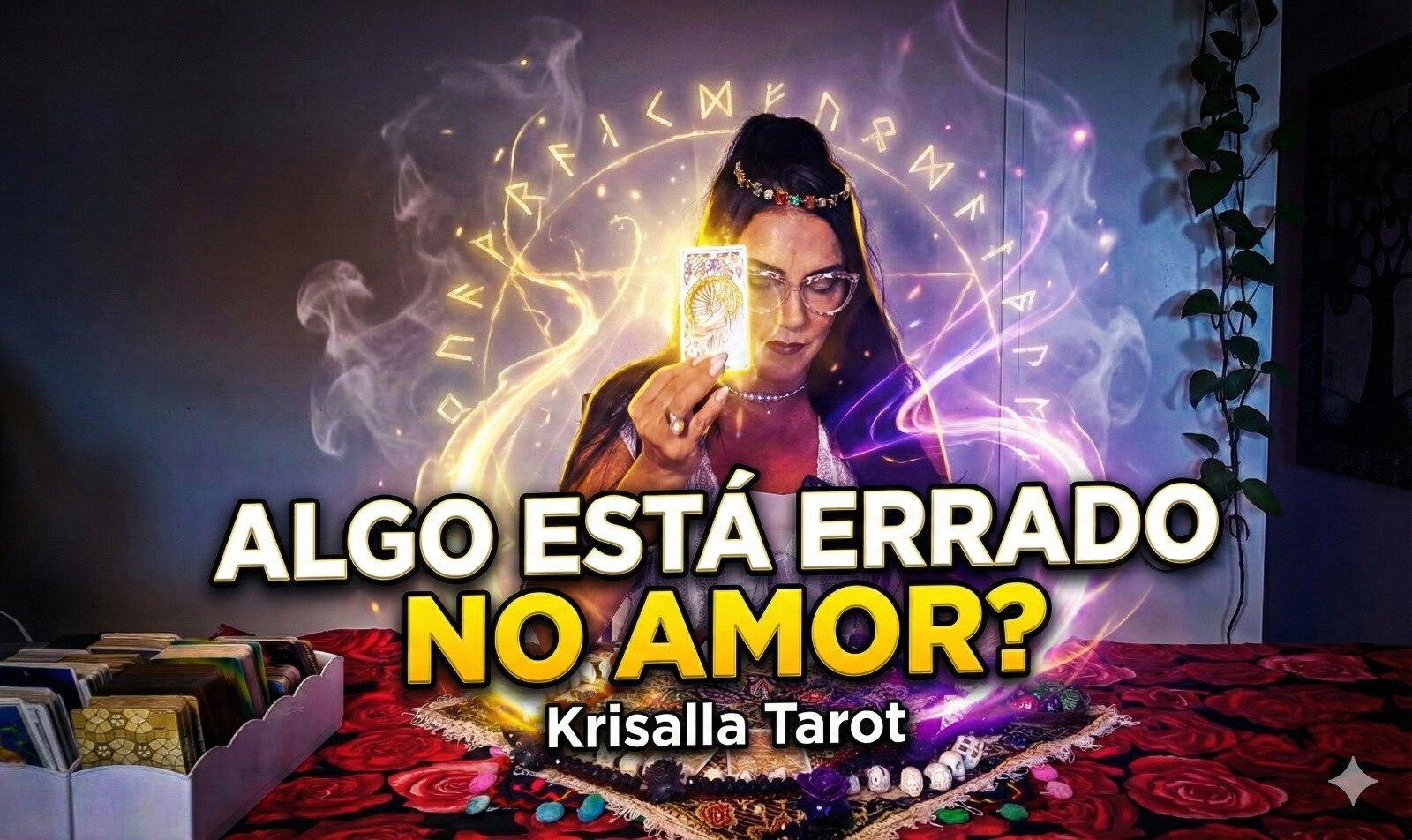
🌹✨ Você sente que algo mudou na sua vida amorosa, mas não consegue explicar? Um sinal interno, um alerta, uma intuição que não te deixa em paz? ✨👇🏻 ASSISTA AO VÍDEO COMPLETO NO FINAL DA LEITURA 👇🏻✨ O Krisalla Tarot traz hoje uma leitura aberta e profunda para revelar o que realmente está acontecendo — e por que você está captando essa energia diferente. O Universo está tentando te avisar… e esta leitura explica exatamente o que você está percebendo sem conseguir nomear. 🔮Nesta tiragem, o Orá
-
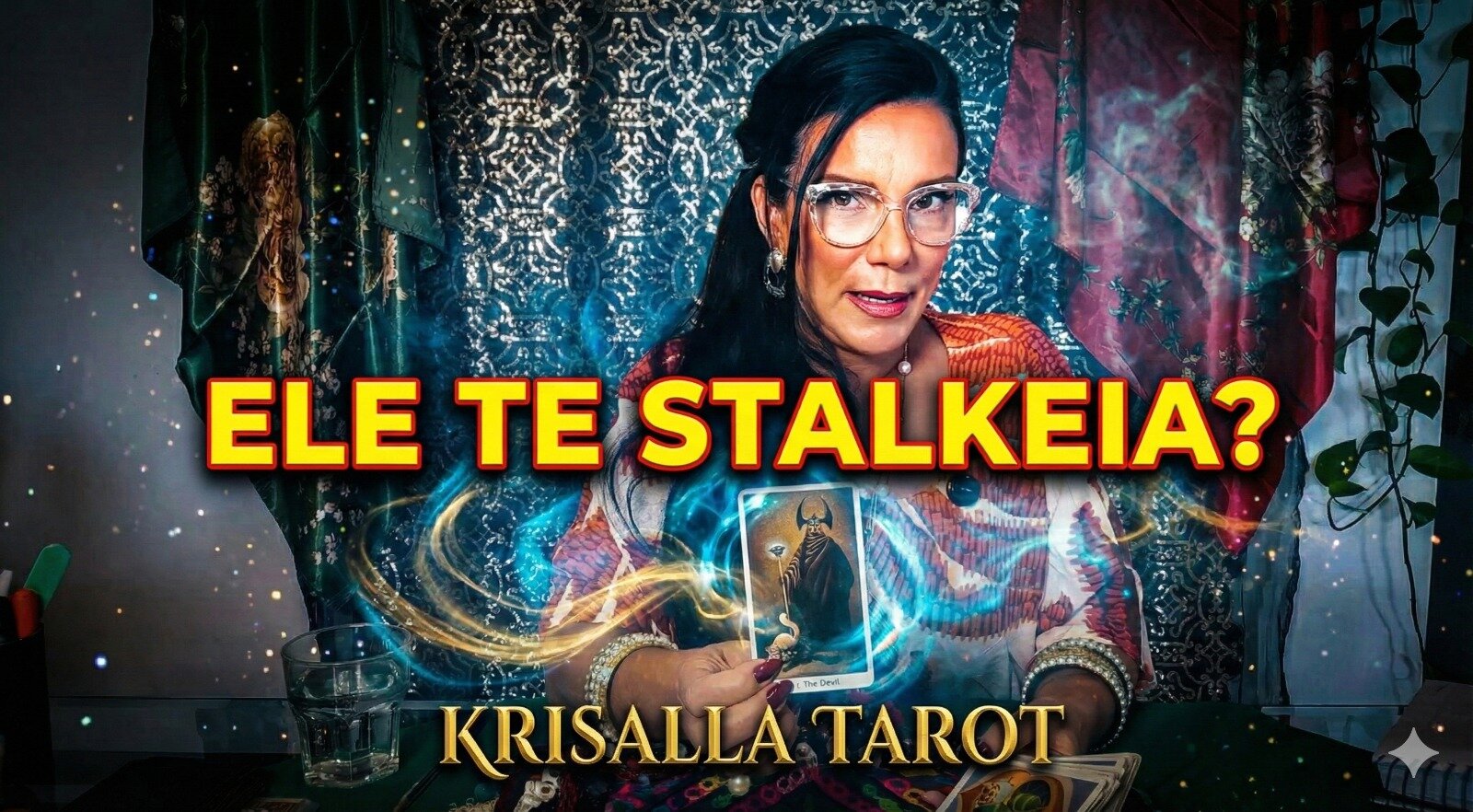
🌹✨ Será que essa pessoa ainda pensa em você? Será que existe chance de volta? No vídeo de hoje, Krisalla Tarot revela a verdade energética, emocional e espiritual por trás dos pensamentos da pessoa amada — e o que isso significa para o futuro de vocês dois. ✨👇🏻 ASSISTA AO VÍDEO COMPLETO NO FINAL DA LEITURA 👇🏻✨ A leitura mostra que essa pessoa pensa em você sim, mas está mais racional, avaliando atitudes do passado, reconhecendo falhas e tentando entender seus próprios sentimentos. Enquanto is
-
🌹✨ Alguém comentou algo sobre você… e isso mexeu profundamente com a pessoa que você ama. Mesmo afastada, essa pessoa está mais incomodada, insegura e mexida do que demonstra — e o Tarot revela exatamente por quê. ✨👇🏻 ASSISTA AO VÍDEO COMPLETO NO FINAL DA LEITURA 👇🏻✨ Na leitura de hoje, Krisalla Tarot mostra como uma simples informação despertou ciúmes, sensação de traição e até um certo “territorialismo” emocional 🔮Nesta leitura, o Oráculo mostra qual comentário despertou o incômodo por que a


Estatísticas dos Fóruns
- Tópicos 23
- Posts 45
Estatísticas dos Blogs
- Blogs 1
- Postagens 84